Session Recording Tool
Stop guessing.
Watch what users do.
Mouseflow records every session on your site: clicks, scrolls, rage clicks, and drop-offs. Find UX issues fast, fix what's hurting conversion, and see results this week.


★★★★★
4.6 / 5 on G2 — Rated above Hotjar, FullStory & Microsoft Clarity
Trusted by 210,000+ teams


.svg)


See every user story.

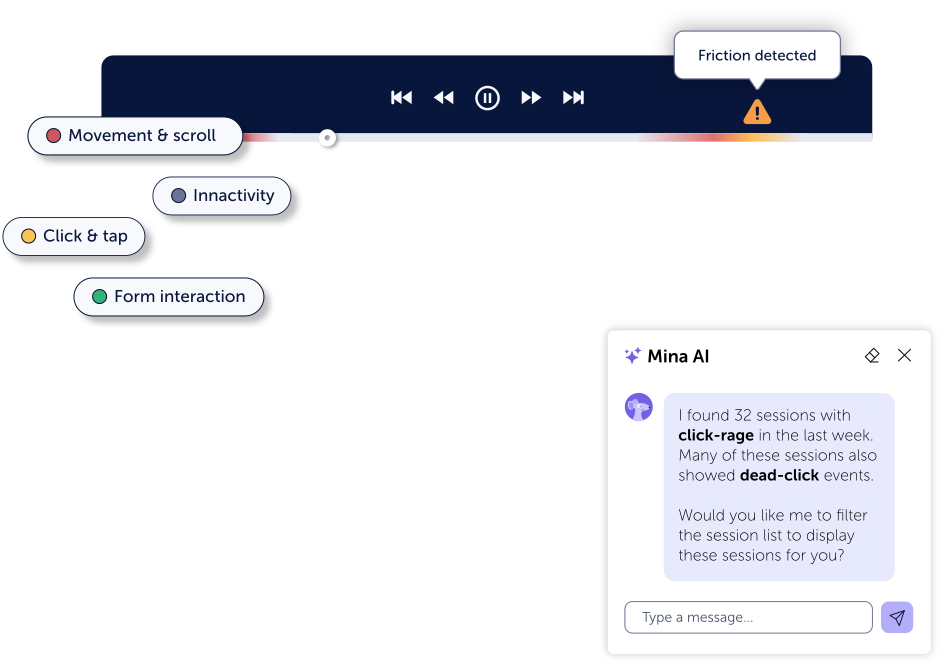
High-fidelity session replay
Watch real sessions as they happened. Every click, scroll, hesitation, and interaction replayed with full accuracy. No video files, no storage overhead.

Automatic friction scoring
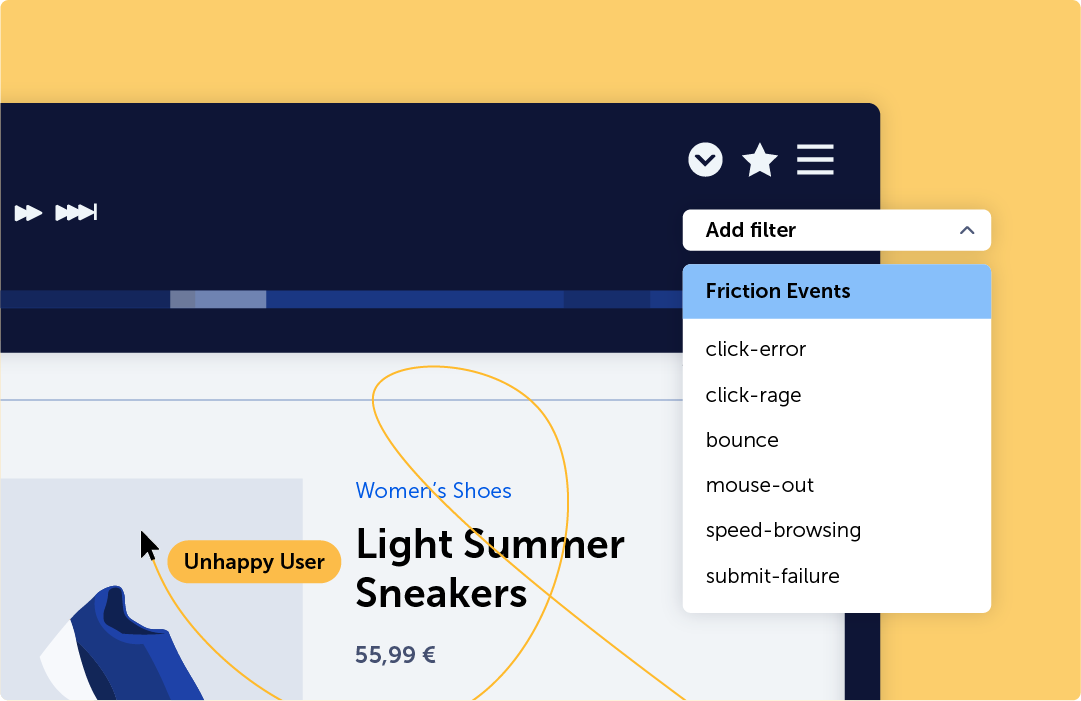
Every session gets a friction score. Mouseflow surfaces the worst experiences automatically so you always watch the recordings that matter first.

100+ smart filters
Filter by page, traffic source, device, behavior, rage clicks, or any combination. Find the sessions you need in seconds, not hours of manual searching.

Full user journey tracking
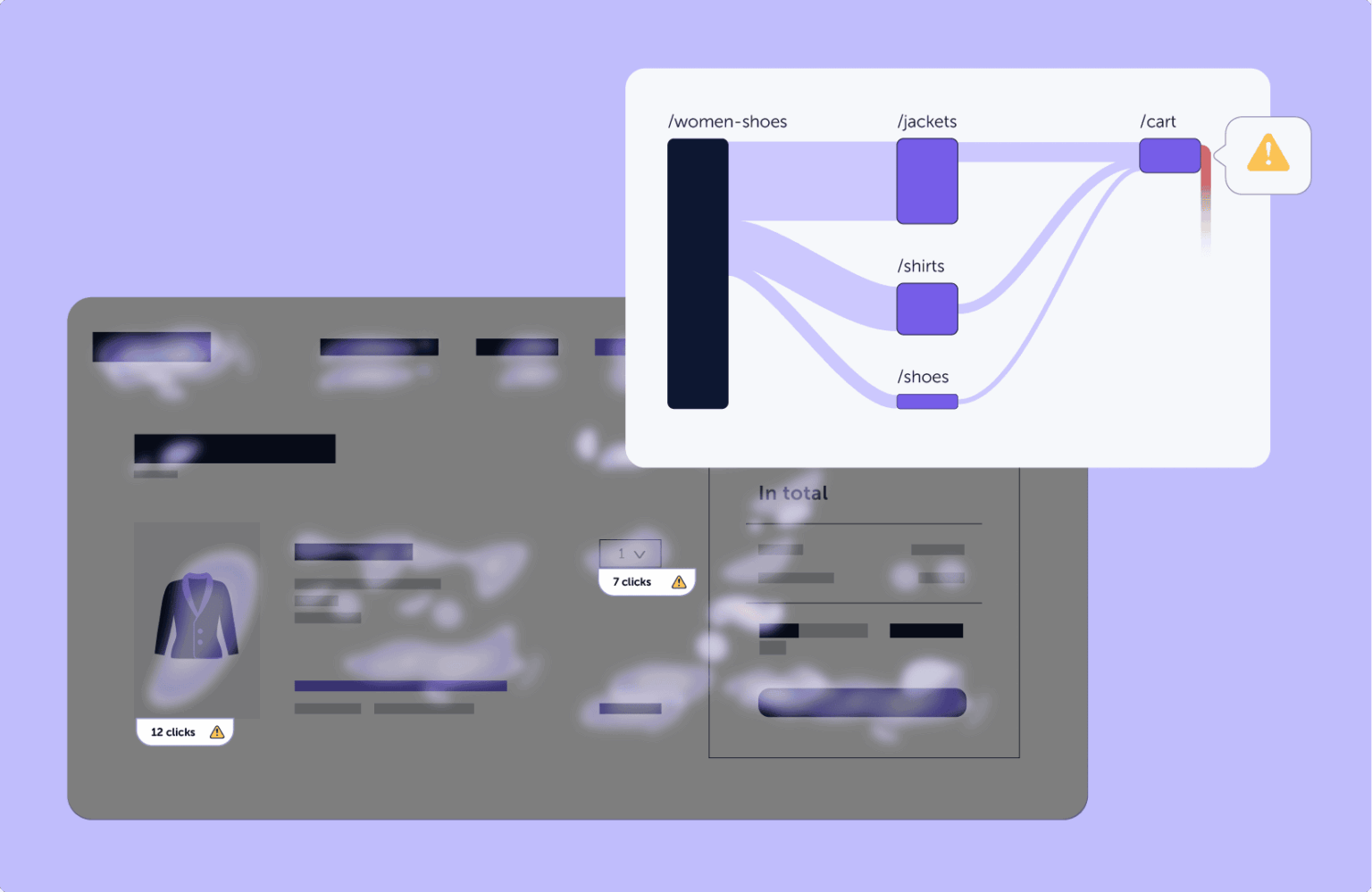
Follow users page-by-page through their full journey, from landing to checkout or exit. See the complete path, not just individual pages in isolation.

Team collaboration built in
Comment on recordings, share sessions with a link, and tag teammates directly in the platform. Turn insights into actions without a meeting.

Connects to your full stack
Integrates with Google Analytics 4, Shopify, Segment, HubSpot, and 100+ more. Enrich your sessions with UTMs, user IDs, and A/B test variants.

“Mouseflow helped us identify where customers were getting stuck in the checkout process. We made changes based on those insights and saw an immediate 5% lift in conversions.”
Read the full story →★★★★★
"It’s easy to implement and integrates smoothly with our clients' stack [...] The form analytics and feedback tools are also great for optimizing conversion rates."
★★★★★
"I love how Mouseflow provides a clear and extremely easy-to-use interface, which simplifies my ability to evaluate our customer's journey on our ecommerce platform."
★★★★★
"Mouseflow has been a game changer for understanding customers’ journeys. It provides clear, visual insights into user behavior that help us continuously improve website performance."
Natural language understanding
Ask questions. Get answers.
No analytics expertise needed.
- Understands intent, not just keywords
- Surfaces the most impactful sessions automatically
- Generates shareable reports for stakeholders
- Works inside Mouseflow, no tool switching required
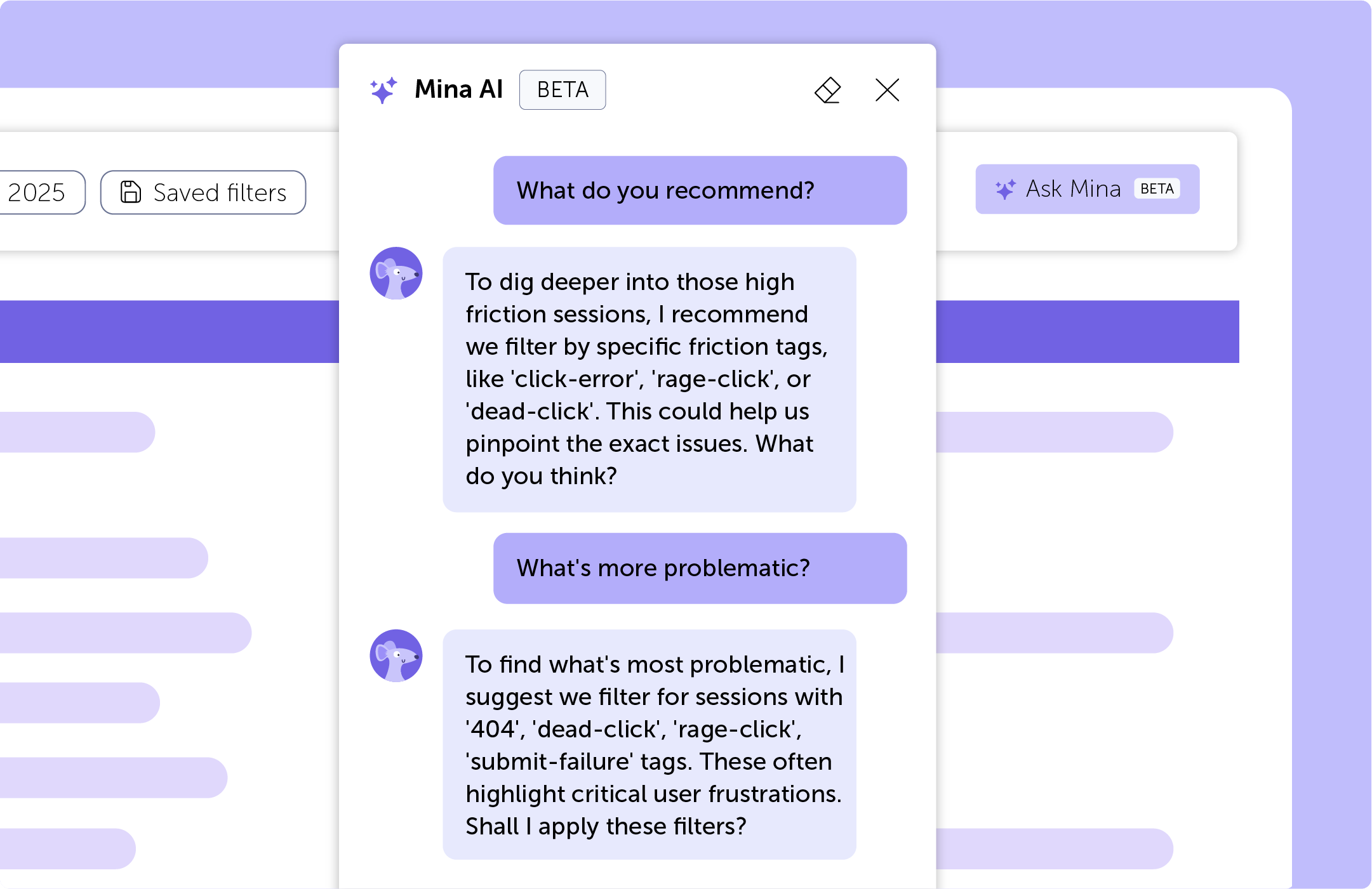

Real-time guidance built into Mouseflow
Insights appear right inside your workflow, no switching tools or exporting data.

No complex filters to apply
Describe what you're looking for in plain English and Mina finds it instantly.

AI detects patterns & friction automatically
Mina proactively surfaces rage clicks, drop-offs, and behavior anomalies without you asking.

Accelerates decisions by shortening research cycles
Hours of manual session review compressed into seconds of AI-driven insight.
Ecommerce checkout & product pages
See exactly where checkout friction kills revenue
- Detect rage clicks on broken add-to-cart buttons
- Watch sessions that ended in cart abandonment
- Identify mobile UX issues your desktop team never sees
- Measure before/after conversion impact from UX fixes
.jpg)
SaaS signup & onboarding flows
Reduce drop-off with recording evidence
- Find the exact moment users abandon signup or demo flows
- See hesitation and confusion on key form fields
- Filter by campaign source to validate paid traffic quality
- Share recordings with your dev team to fix bugs fast
.jpg)
Start today for free
Watch real sessions today.
Fix revenue leaks this week.
See drop-offs, rage clicks, and confusing flows then prioritize fixes fast. Setup takes minutes, no developer required.

14-day free trial · No credit card required · Full platform access