User Journey Analytics
Stop guessing.
See where users get stuck.
Track user journey on website, visualize user flow UX, and fix the friction that kills conversions, connected directly to session replay.


★★★★★
4.6 / 5 on G2 — Rated above Hotjar, FullStory & Microsoft Clarity
Trusted by 210,000+ teams


.svg)


For UX teams, CRO teams, Product Managers, and more
User journey insights every team can act on.
For CRO & marketing teams
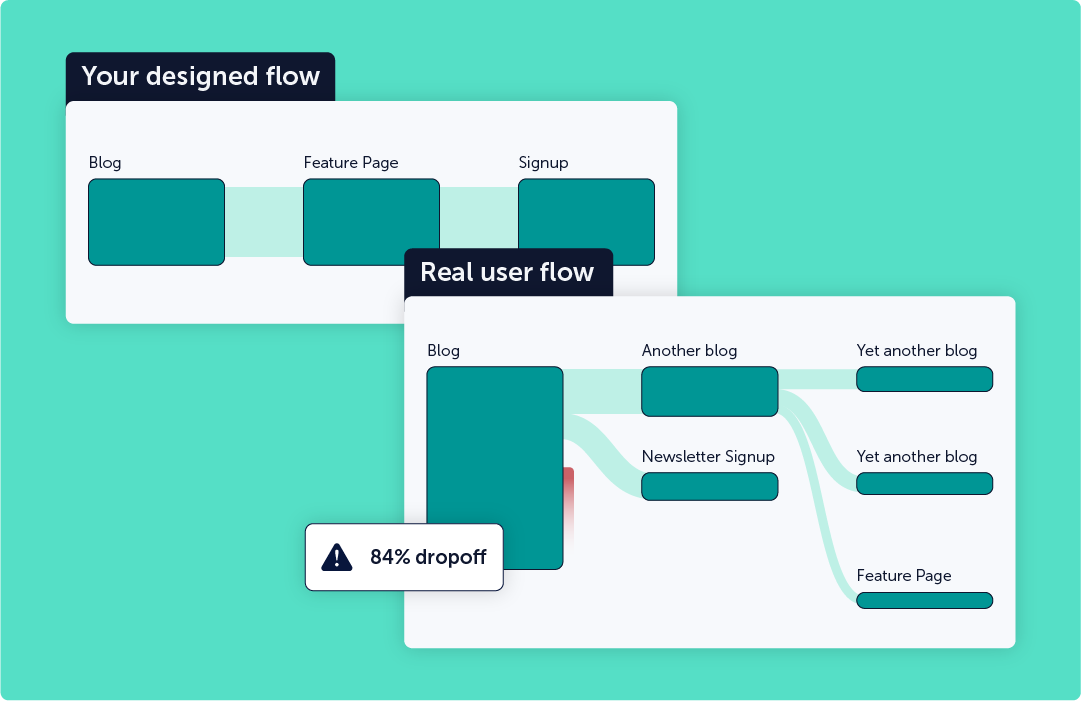
Which pages are leaking the most conversions, and from which traffic source? Mouseflow gives you the full picture — funnel drop-offs by campaign, segment, and device — so you can prioritize fixes by revenue impact and stop optimizing pages that don't move the needle.
Start improving conversionsFor UX & product teams
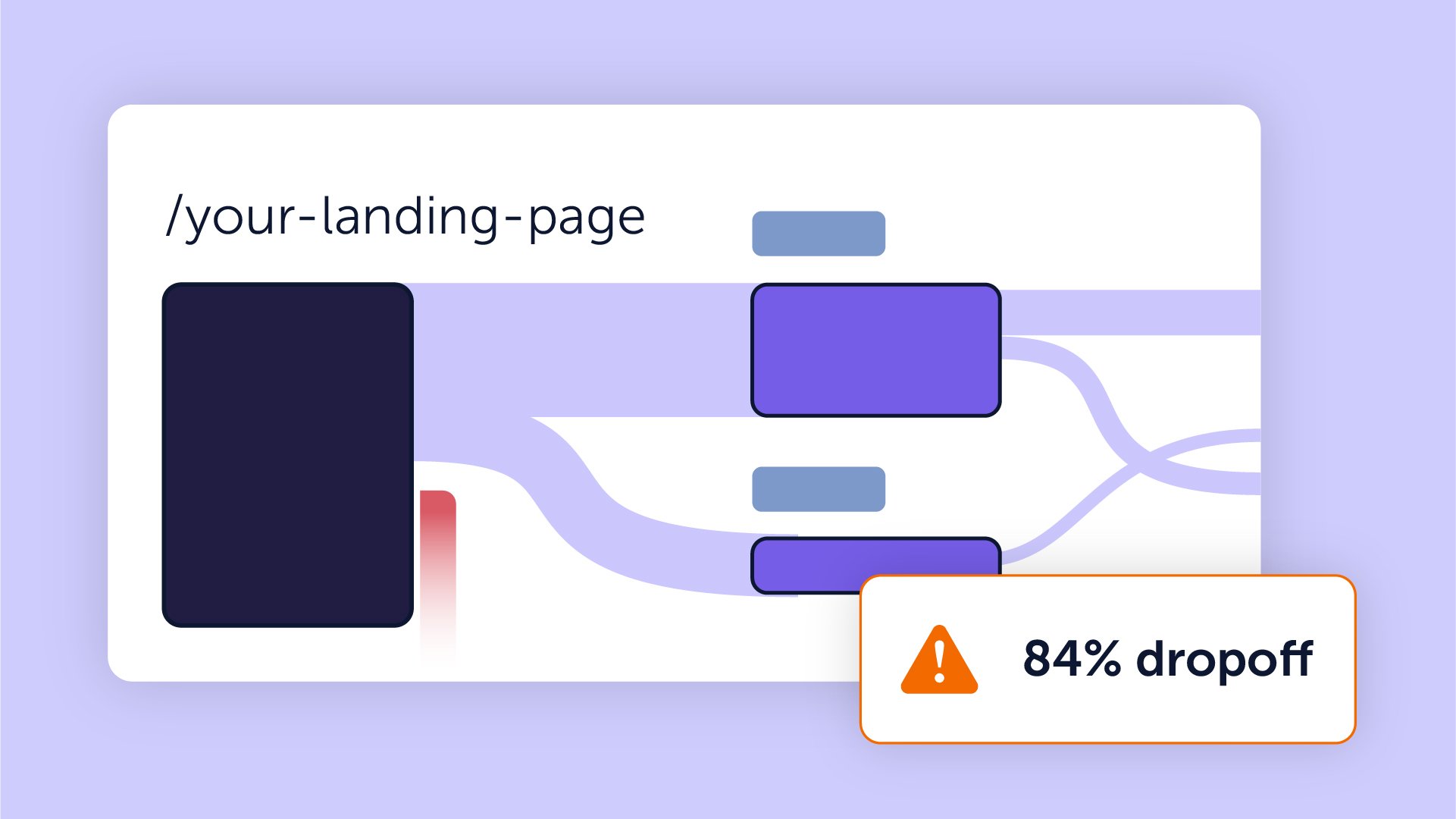
Quantitative data tells you that users leave. Mouseflow tells you why. Connect every drop-off point to real session recordings and see the friction, confusion, or broken interactions that no analytics dashboard would ever surface on its own.
Start understanding user behaviorFor e-commerce teams
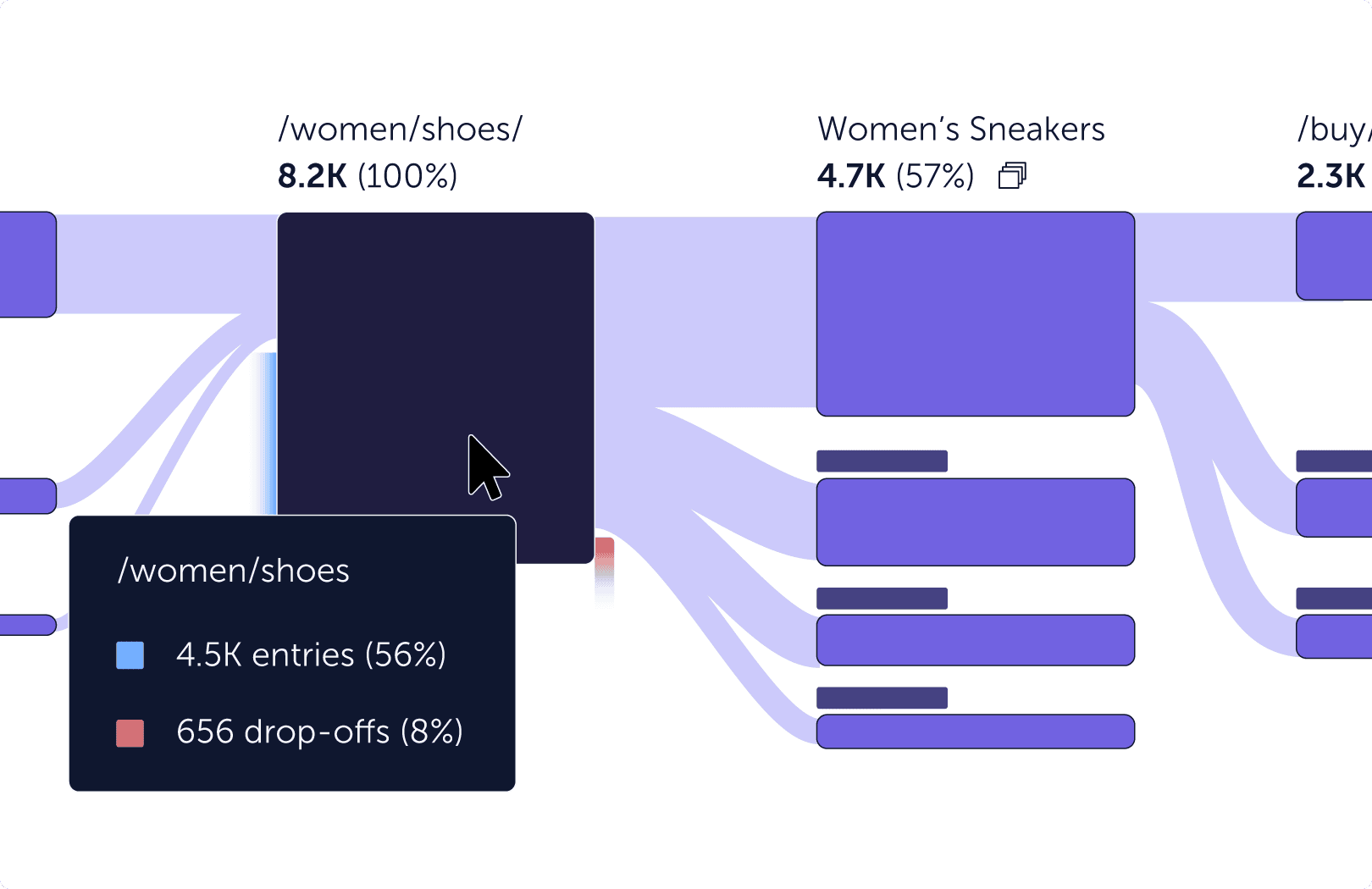
Cart abandonment, checkout drop-offs, product page exits — Mouseflow maps the exact paths users take before they leave, and links every step to the sessions behind it. Find what's stopping users from buying and fix it with evidence, not assumptions.
Start reducing abandonmentFor SaaS & onboarding teams
Where do trial users get stuck before they ever see your product's value? Mouseflow tracks the full onboarding journey, flags the friction that kills activation, and shows you the sessions of users who churned — so you can fix the flow before it costs you another conversion.
Start improving onboarding
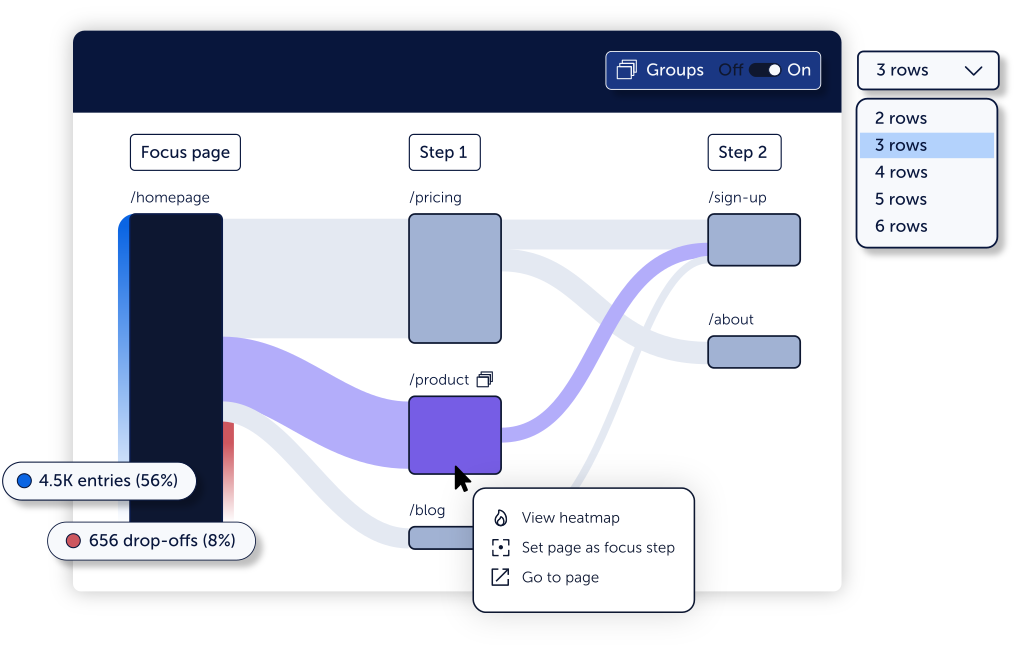
Visual journey map
See every path users take across your site in a single flow diagram. Understand where they come from, where they go, and exactly where they leave, at a glance.

Session replay linked
Click any drop-off in the journey map and watch the actual sessions behind it. Stop interpreting data points — see exactly what your users experienced.

Friction detection built in
Mouseflow automatically surfaces rage clicks, dead ends, and form abandonment alongside your journey data. The "why" behind every drop is one click away.

Segment any journey
Filter paths by traffic source, device, campaign, or custom attribute. Compare how paid visitors behave versus organic — and optimize each flow separately.

Real-time dashboard
Journey data flows into your Mouseflow dashboard live. No waiting for overnight exports — track user journey on website and act on findings the same day.

Works with your stack
One script connects Mouseflow to any CMS, analytics platform, or e-commerce setup. Pairs natively with heatmaps, form analytics, and feedback surveys.

Journeys turned a lot of ‘we think’ into ‘we know.’ That made us faster, more aligned, and more confident in every decision.
Read the full story →★★★★★
"It’s easy to implement and integrates smoothly with our clients' stack [...] The form analytics and feedback tools are also great for optimizing conversion rates."
★★★★★
"I love how Mouseflow provides a clear and extremely easy-to-use interface, which simplifies my ability to evaluate our customer's journey on our ecommerce platform."
★★★★★
"Mouseflow has been a game changer for understanding customers’ journeys. It provides clear, visual insights into user behavior that help us continuously improve website performance."
Use cases
Journey insights your team needs

Checkout abandonment
Map the exact user flow from product to purchase., and watch the recordings behind every cart exit.

Trial drop-offs
Track user journey through onboarding. Identify UX friction that kills activation before users ever see your product's core value.
Conversion paths
Visualize user behavior flow from ad click to form submission. Optimize the pages that matter most for your pipeline.

UX friction points
Get behavioral evidence for every hypothesis. Show stakeholders real journey data — not just survey responses or assumptions.
Get started today
Start tracking user journeys that actually explain why
Join thousands of teams using Mouseflow to understand their users, not just count them.
14-day free trial · No credit card required · Full platform access