Hotjar Alternative

Hotjar vs Mouseflow. The jar ain't hot anymore.

Hotjar is now part of Contentsquare. If you want a focused, transparent behavior analytics tool built for conversion. Mouseflow is the simpler, more powerful choice.

Book a Demo Start free 14-day trial
★★★★★

4.6 / 5 on G2 — Rated above Hotjar, FullStory & Clarity

Trusted by 210,000 teams

scotts-logo (1)
logo-nintendo
logo-truecar
logo-michelin
Mouseflow logo
vs
hojtar by contentsquare

Why teams switch

No session sampling · 7 heatmap types · Dedicated form analytics · Friction scoring built in

Mouseflow $149/month (Advanced)
Hotjar $228/month (Growth)
Sessions
25,000 pr month
25,000 pr month
AI Assistant
Mina AI
Sense, Contentsquare's AI
Data Storage
6 months
2 to 13 months
Website per Plan
2
1
Heatmaps
Click, Scroll, Geo, Attention, Movement, Interactive and Friction heatmaps
Basics and Zone-based heatmaps
Friction Detection
Feedback
Unlimited
500 Monthly Responses
Mouseflow wins when

You need outcomes, not just observations

Hotjar is great for quick UX insights. Mouseflow is built to prioritize friction, diagnose drop-offs, and improve conversion rates at scale.

Friction-scored prioritization
Mouseflow only

Friction-scored prioritization

Stop watching random recordings. Mouseflow automatically surfaces the worst experiences so you can fix what hurts conversion first, not just what's easiest to find.

See friction scoring
Form conversion leakage detection
Mouseflow only

Form conversion leakage detection

Mouseflow pinpoints exactly which field causes drop-offs and hesitation. Hotjar has no standalone form analytics. This is one of the fastest ways to lift signup and checkout conversion.

Explore form analytics
journeys-chart-flow-path copy

Journey built for CRO workflows

Mouseflow connects funnels, user journeys, and session replays so you can diagnose drop-offs and validate fixes without guessing or switching between tools.

Explore journey analytics
Side-by-side

How Mouseflow compares to Hotjar by Contentsquare

A focused comparison of the features that matter most for conversion optimization teams. 

Mouseflow Hotjar (by Contentsquare)
Session sampling No daily sampling - all sessions ~ Monthly sampling distribution
Heatmap types 7 types incl. attention & friction 3 core types + engagement zones
Friction detection 7+ signals + friction score Rage clicks + frustration score
Form analytics Dedicated field-level analysis No standalone form analytics
Session replay filters 100+ filter options Standard filtering
Conversion funnels Unlimited steps + replay links ~ Available, limited depth
Feedback surveys Built-in, behavior-triggered Yes, with user interviews
Pricing transparency Clear, usage-based plans ~ Contentsquare ecosystem pricing
GDPR compliance Strong privacy controls, EU hosting Available
G2 rating 4.6 / 5 4.3 / 5

Based on public G2 data and product documentation. Read the full comparison →

"Mouseflow helped us identify where customers were getting stuck in the checkout process. We made changes based on those insights and saw an immediate 5% lift in conversions."

Hailey Schraer, Lead UX Researcher at Scotts Miracle-Gro
Read the full story →
★★★★★
G2
4.6 / 5 600+ reviews
★★★★★
Ca
4.7 / 5 Capterra verified
★★★★★
Top-rated Above Hotjar & FullStory
SaaS Signup and demo flows

Find what's killing your signup conversion - fast

Mouseflow helps SaaS teams pinpoint exactly where users drop out of signup, demo request, and onboarding flows — and fix it with session evidence.

  • Pinpoint form fields causing drop-offs
  • See rage clicks and hesitation patterns on key CTAs
  • Segment by traffic source, device, and plan type
  • Validate fixes with session replay evidence
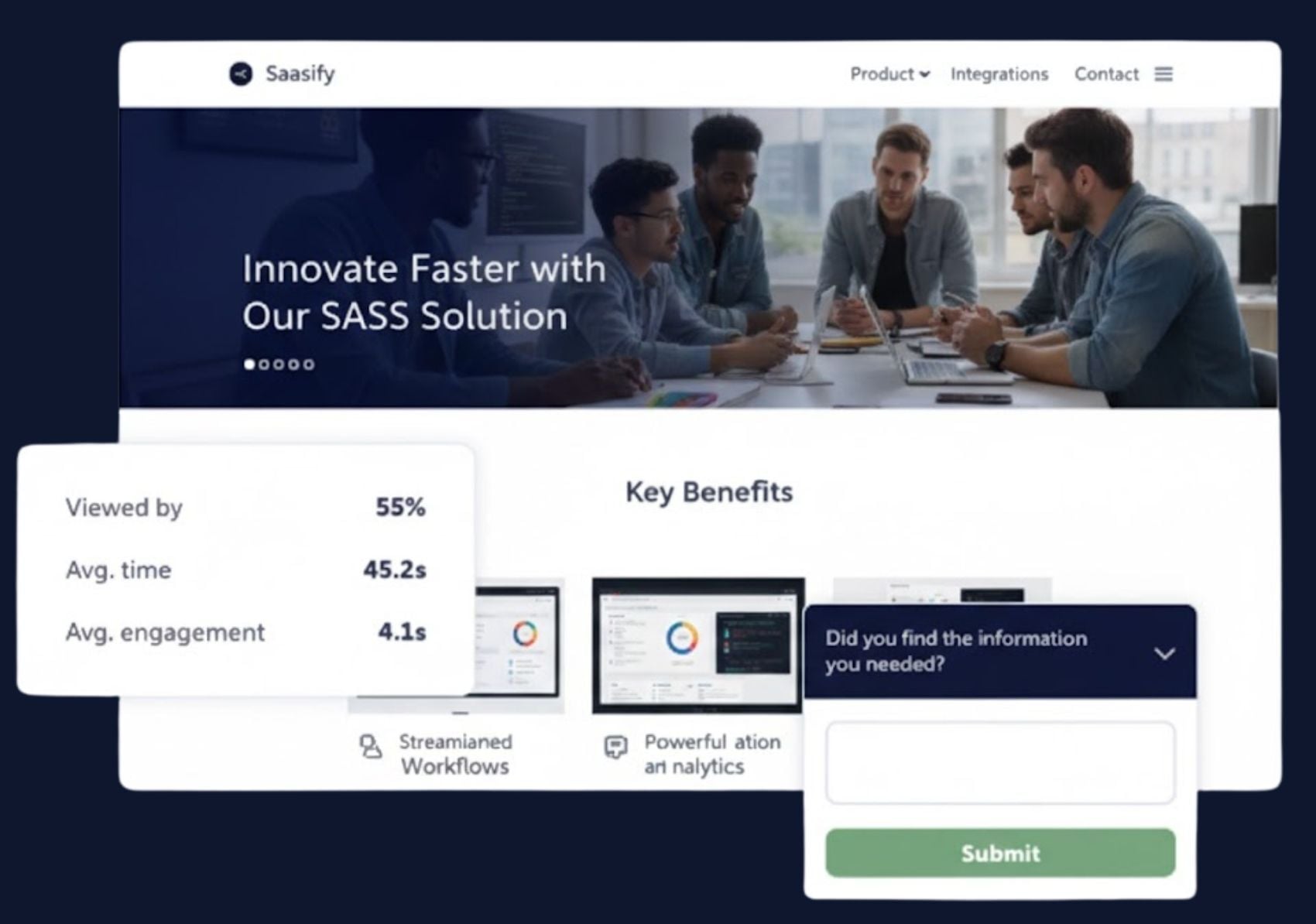
See how SaaS teams use Mouseflow
Saas-header-1
Ecommerce checkout and product pages

Turn checkout friction into measurable revenue uplift

Every abandoned cart has a reason. Mouseflow shows you exactly where friction happens so your team can fix it, measure the uplift, and move on to the next win.

  • Detect dead clicks and rage clicks on checkout steps
  • Find where users abandon with funnel drop-off analysis
  • Segment by campaign traffic and device type
  • Compare conversion before and after fixes

See how ecommerce brands use Mouseflow
Ecom-1700x1194-industry-Page1
Switch today

See your top friction sessions today. Fix revenue leaks this week.

Join 210,000+ teams who chose Mouseflow for conversion diagnostics. Setup takes minutes, no developer required.

Book a Demo Start free 14-day trial

14-day free trial · No credit card required · Full platform access

FAQ

It depends on your goal. Hotjar is excellent for discovering UX insights and user research. Mouseflow is built specifically to turn behavioral insights into prioritized conversion improvements, with deeper friction detection, no session sampling, dedicated form analytics, and stronger segmentation. If your team is focused on conversion rate optimization, Mouseflow is the stronger choice.

In most cases, switching is fast and straightforward. You add one line of JavaScript to your site and Mouseflow begins collecting data immediately. Most teams are up and running within a day, with no data migration required.

Yes. Mouseflow includes 7 types of heatmaps (click, scroll, attention, friction, movement, element, and geo) and full session replay with 100+ filtering options. These are paired with funnels, form analytics, and friction scoring in a single platform.

No. Mouseflow captures all sessions without daily sampling limits. Hotjar distributes session capture using a sampling algorithm, which means you may be making decisions based on incomplete data. With Mouseflow, you see everything.

Mouseflow is built for conversion diagnostics and prioritization, it tells you which sessions to watch and why, automatically. Hotjar is built for general UX insights and feedback. The core distinction is that Mouseflow surfaces friction automatically, while Hotjar requires more manual exploration to find the same insights.

Yes. Mouseflow provides strong privacy controls and data governance options designed to support GDPR compliance, including EU data hosting options and consent management integration.