Hotjar Alternative
Hotjar vs Mouseflow. The jar ain't hot anymore.
Hotjar is now part of Contentsquare. If you want a focused, transparent behavior analytics tool built for conversion. Mouseflow is the simpler, more powerful choice.


★★★★★
4.6 / 5 on G2 — Rated above Hotjar, FullStory & Clarity
Trusted by 210,000 teams
.svg)




vs

Mouseflow
$149/month (Advanced)
Hotjar
$228/month (Growth)
Sessions
25,000 pr month
25,000 pr month
AI Assistant
Mina AI
Sense, Contentsquare's AI
Data Storage
6 months
2 to 13 months
Website per Plan
2
1
Heatmaps
Click, Scroll, Geo, Attention, Movement, Interactive and Friction heatmaps
Basics and Zone-based heatmaps
Friction Detection
✓
✕
Feedback
Unlimited
500 Monthly Responses

Friction-scored prioritization
Stop watching random recordings. Mouseflow automatically surfaces the worst experiences so you can fix what hurts conversion first, not just what's easiest to find.

Form conversion leakage detection
Mouseflow pinpoints exactly which field causes drop-offs and hesitation. Hotjar has no standalone form analytics. This is one of the fastest ways to lift signup and checkout conversion.

Journey built for CRO workflows
Mouseflow connects funnels, user journeys, and session replays so you can diagnose drop-offs and validate fixes without guessing or switching between tools.

"Mouseflow helped us identify where customers were getting stuck in the checkout process. We made changes based on those insights and saw an immediate 5% lift in conversions."
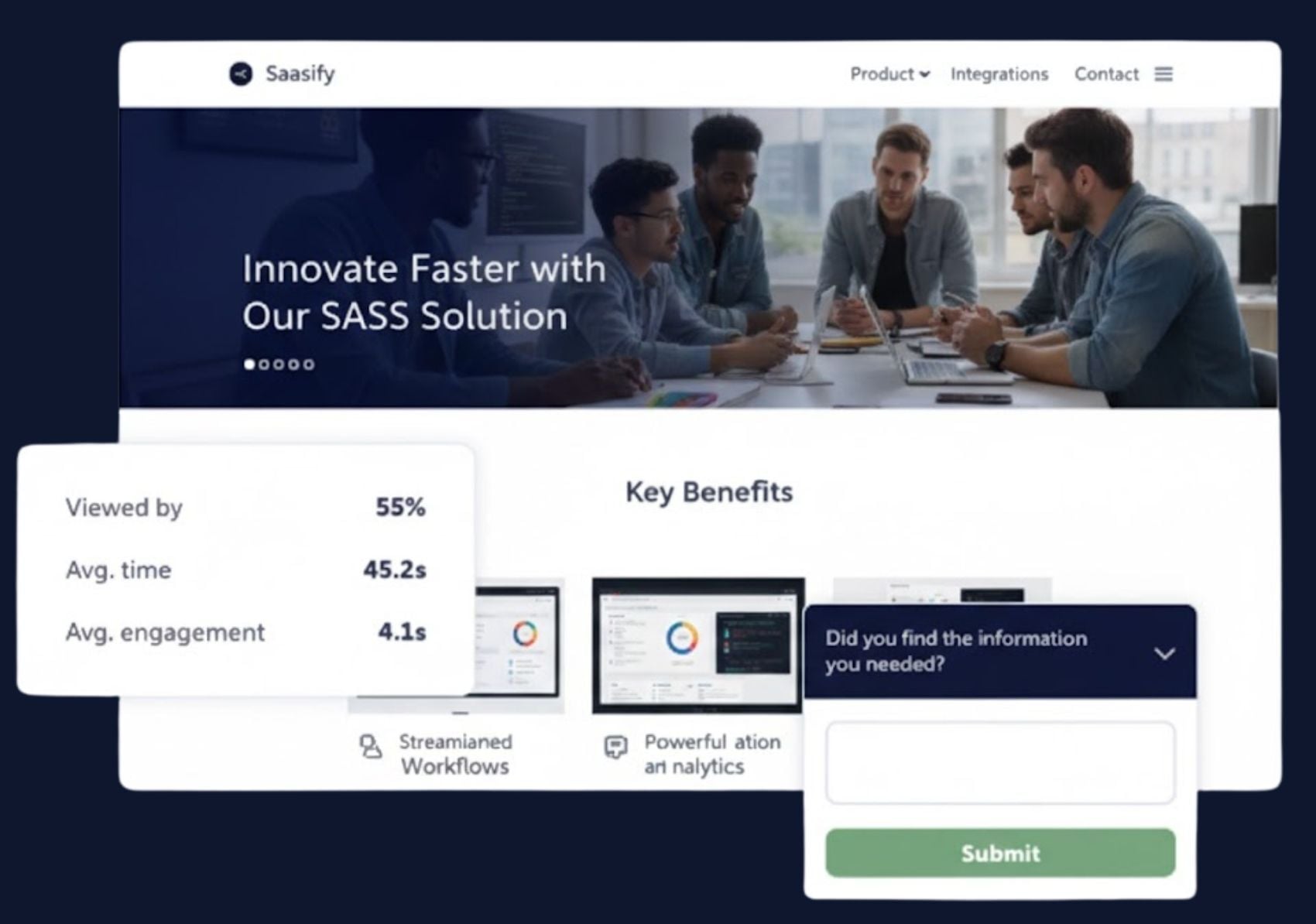
Read the full story →SaaS Signup and demo flows
Find what's killing your signup conversion - fast
- Pinpoint form fields causing drop-offs
- See rage clicks and hesitation patterns on key CTAs
- Segment by traffic source, device, and plan type
- Validate fixes with session replay evidence
Ecommerce checkout and product pages
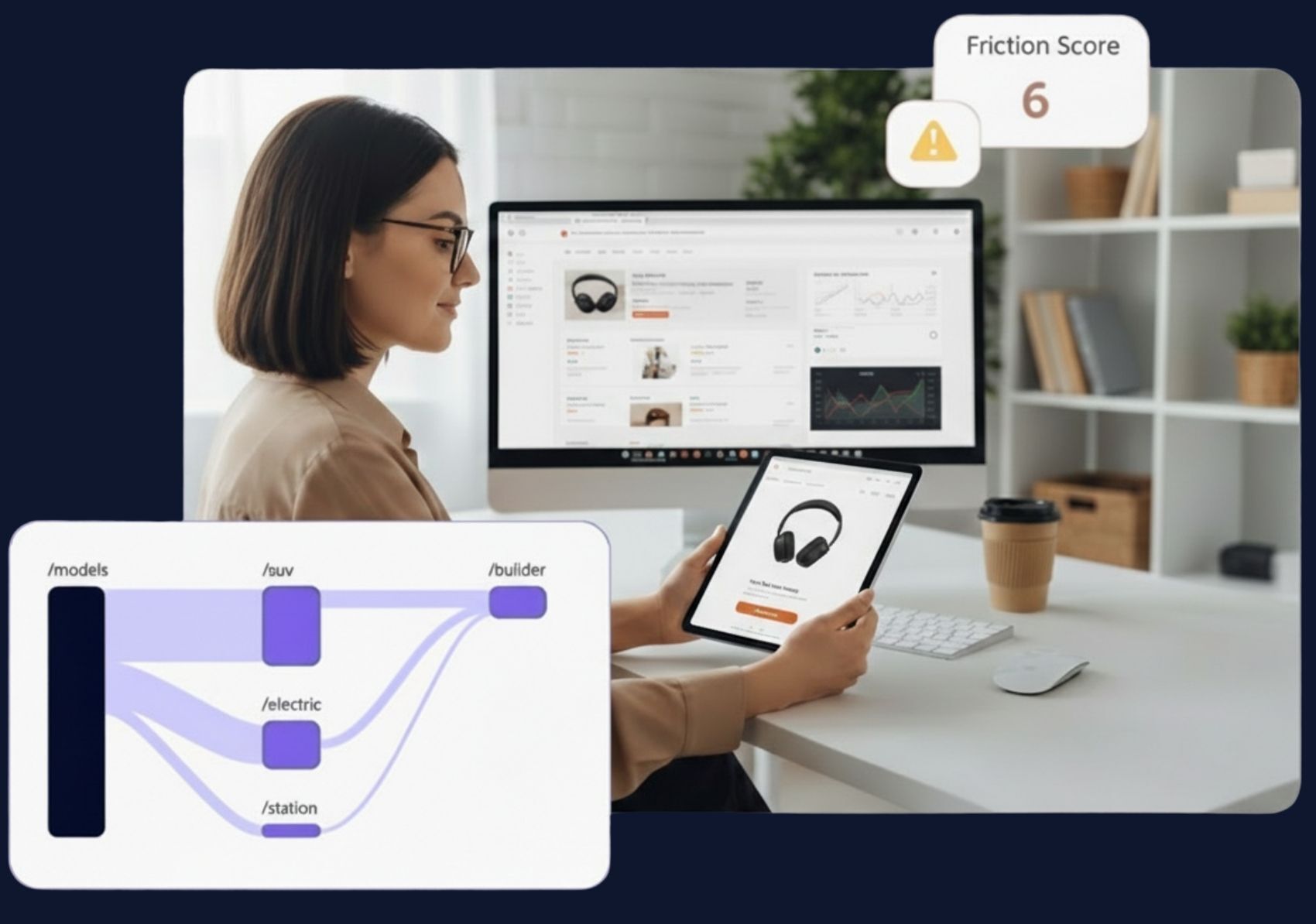
Turn checkout friction into measurable revenue uplift
- Detect dead clicks and rage clicks on checkout steps
- Find where users abandon with funnel drop-off analysis
- Segment by campaign traffic and device type
- Compare conversion before and after fixes
Switch today
See your top friction sessions today. Fix revenue leaks this week.
Join 210,000+ teams who chose Mouseflow for conversion diagnostics. Setup takes minutes, no developer required.

14-day free trial · No credit card required · Full platform access